Step 1: Request Course Access
🔍 Tap image to expand
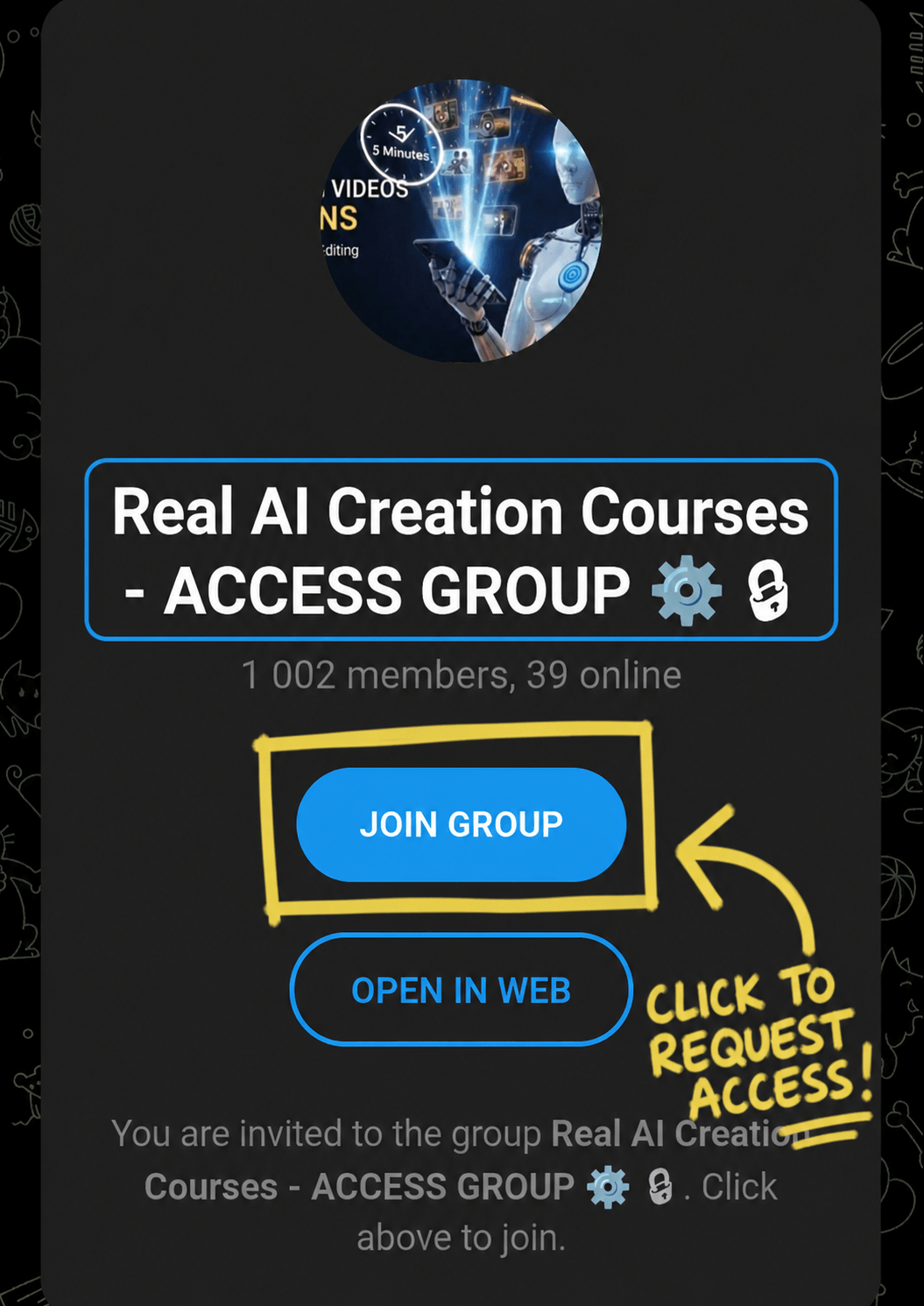
Click the button below to request access to the main Telegram Channel.
This is where all your video courses, bonuses, and the private Telegram support link live.
Note: Our team checks and approves requests manually throughout the day. Once approved, open the pinned "🚨 00: START HERE" folder first before clicking anything else.
1. Request Telegram Access
Step 2: Join WhatsApp
(Fast Approval)
🔍 Tap image to expand
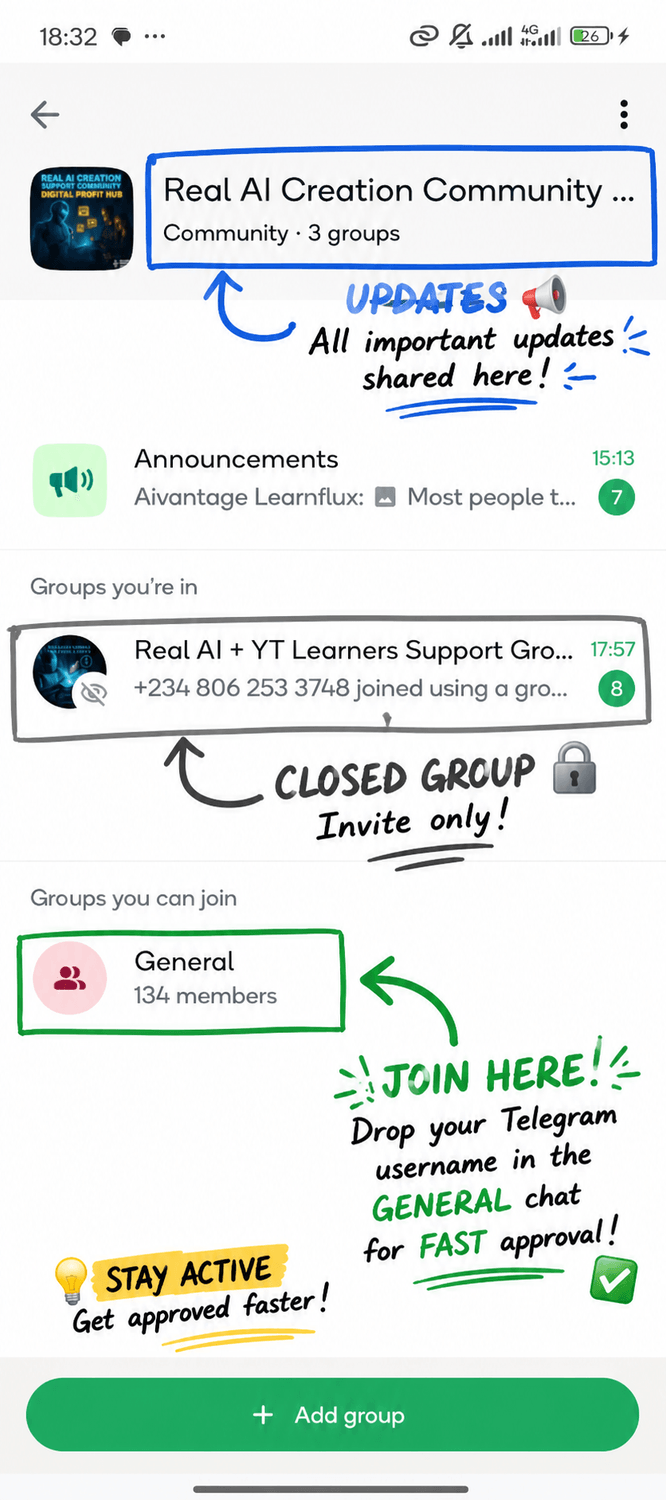
Join our locked WhatsApp Update Group so you receive quick text alerts and never miss a course update.
Want immediate approval?
After you join the WhatsApp Update Group, open the "General" chat inside it and drop your Telegram username. Our team will see it and approve you immediately.
2. Join WhatsApp Group